Case study
Virtual Forest
A forest for practising fieldwork before the field — on student laptops, and on a standalone Quest 2.
- Role
- Extended Reality Developer (co-op) · gameplay and menu work, spatial audio, Quest 2 performance, QA and builds
- Employer
- Unity College XR Innovation Lab — now Unity Environmental University
- Platform
- Windows and Mac (PC edition) · standalone Meta Quest 2 (VR edition)
- Interaction
- Mission-based field surveys, menu and options navigation, and a soundscape that follows player position, weather and time of day
- Status
- January–May 2022 · PC edition used in the college’s coursework
- Built with
- Unity 2020.3 and 2021.3, C#, Ambient Sound Manager, Plastic SCM, Unity Cloud Build
Case study
Two environmental simulations for practising fieldwork before the field — one for student laptops, one for a standalone Quest 2 — and my first job in games and XR.
Unity College XR Innovation Lab (now Unity Environmental University) · Extended Reality Developer, co-op · January–May 2022 · Unity, C# · Windows, Mac and Meta Quest 2
What it is
Field scientists gather data they cannot easily check against anyone else’s: by the time a count or an observation is in a notebook, there is no second forest to compare it with. Virtual Forest gives students one. It is a simulated woodland, organised into missions and game modes, where a student practises observing and surveying the animals and insects that live in it, so the habits of fieldwork are formed somewhere the data does not count yet.
There were two editions, and I worked on both.
The PC edition
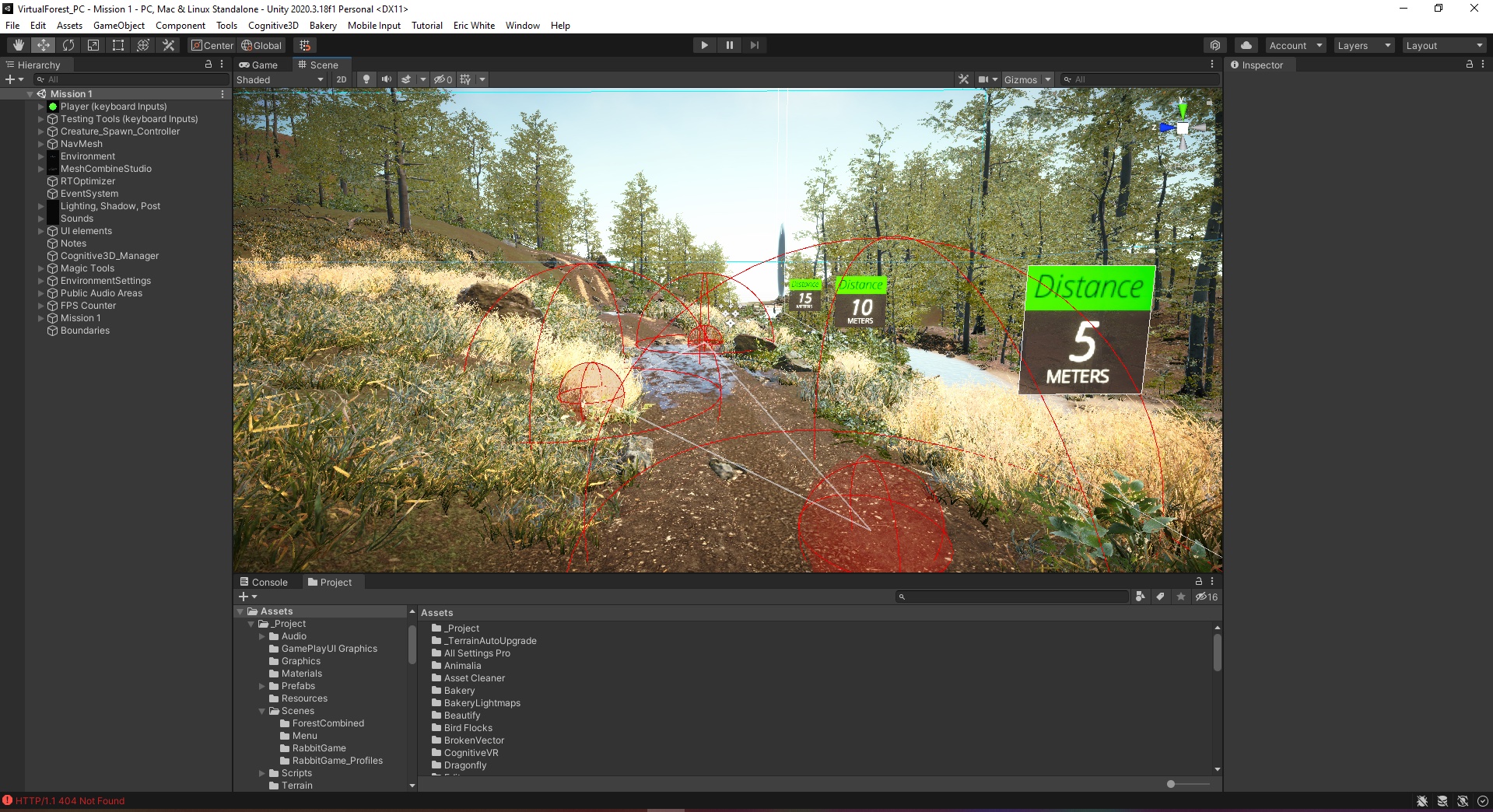
Built in Unity for Windows and Mac, and used in the college’s course curriculum. The constraint that shaped it was the audience’s hardware rather than ours: students were not assumed to have current machines, so the simulation had to run on a 2013 MacBook Air or later. Every change to the environment, the audio or the effects was answerable to that machine.
The VR edition
A separate Unity project for the Oculus (now Meta) Quest 2, built for researchers who wanted the same simulation as a three-dimensional space they could stand in and act on with tracked head and hands. The decision that defined it was to make it standalone. Most demanding VR runs tethered to a PC; this was meant to be a forest you could walk into without a cable, which made the headset’s own frame-rate budget the hard limit — holding 72 Hz or more on mobile hardware while keeping the environment worth looking at.
What I did
The work spread across most of the project.
Coordination. I tracked what had changed and what still needed doing, assigned that work to myself or to others, and brought it to the twice-weekly development meetings where the team reviewed the simulation and argued over what to add next. The team’s board shows the shape of it: cards prioritised with MoSCoW labels — must, should, could have — and tagged UI/UX or bug, moving from discussion through Ready for Merge and Testing to Done.
Gameplay. In C#, I changed the player’s mechanics, edited the game states of the existing game modes, built new game modes and made them launchable from the main menu, and organised scene and project assets. I monitored and tested the behaviour of the simulated animals and insects. I also integrated a partner’s service, Recolude LLC, so that a player could open a recording of their most recent session in a web browser as soon as it was recorded.
Menus. I built the PC edition’s options menu, and gave the main menu a dynamic background and music. Before this I had used Unity’s UI only for dialogue boxes; this was where I learned to treat a menu as a navigation system the player has to be able to follow, and to debug it when they could not.
Spatial audio and environmental feedback
The part of the job I had the most ownership of. I rebuilt the PC edition’s sound as a 3D-spatialised system, using Procedural Worlds’ Ambient Sound Manager to place audio areas across the forest — footfall on grass and twigs, waterfalls and streams, wind, rain and thunder, crickets, birds, opossums, owls, bats. The sound changes with where the player is and which way they face, and through the manager’s C# namespace I tied it to the simulation’s weather and time-of-day systems, so the forest sounds different in a storm than at dawn.
That makes the audio feedback rather than a soundtrack: it answers to the player’s position and to the simulation’s conditions, so it is part of the environment being observed.
Performance and QA
Standalone VR. For the Quest edition, I worked through Unity’s settings to hold a stable 72 Hz or better on the headset while keeping as much visual fidelity as the hardware allowed.
Testing. I playtested the simulation hundreds of times. Finding a fault was usually easy; the hard part was writing down how to make it happen again, because some only occurred some of the time. Bugs went on the board with steps to reproduce against a specific Cloud Build, and the expected and actual result.
Builds and source control. I managed the project’s Plastic SCM workspaces and repositories day to day — tracing where in the history something broke, and fixing it — and configured Unity Cloud Build so that a fresh build was always available to test and iterate on.
What I took from it
Design for the weakest machine, not the one on your desk. A 2013 MacBook Air was the real platform, and so was a Quest running without a PC behind it. Both decided more about the experience than any feature did.
A menu is part of the interaction, not a wrapper around it. It was the first interface I was responsible for, and the first time the question was whether someone else could find their way through it rather than whether it worked.
A bug report is a piece of design. The hardest testing work was making an intermittent failure repeatable, and a well-written reproduction is what let someone else on the team act on it.
Next
See Reality
Hand-tracked mixed reality for people who have never worn a headset, running inside live guided tours — Boston, Lexington, Nashville, Atlantic Canada, Rome, Pompeii, Venice.
Inhabiting Memory
A VR family museum you enter on foot — real walking inside each room, hand-tracked teleport between them, built from interviews and tested against flat photographs.
 Case study
 I Am You
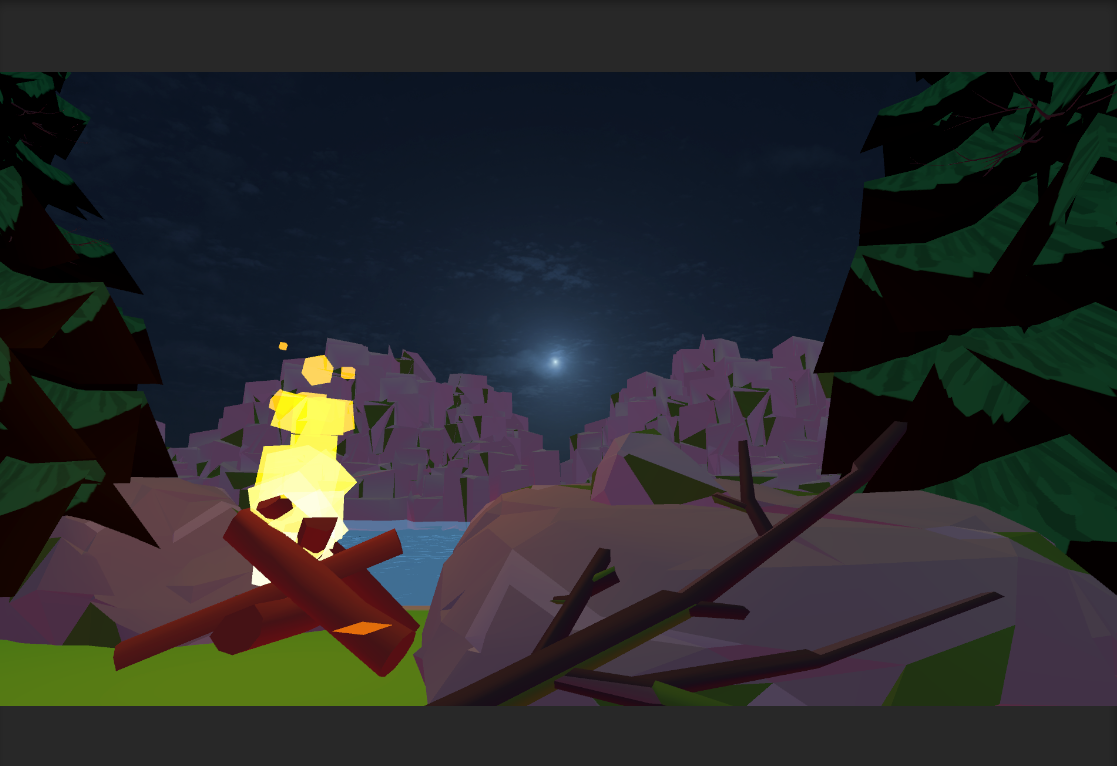
You are not the hiker. You are the trail camera watching him, steering his body.
 Case study
 Recollection
A wedding or any milestone, recorded from every direction, so nobody is stuck with one person’s edit of it.